
Blog
September 23, 2026
Work doesn't always happen behind a desk in the office anymore. Employees may be connecting from home, traveling between locations, or working from shared spaces - all while accessing the same company systems and data.
This flexibility also creates more opportunities for security gaps. A stolen password, unprotected device, phishing email, or unauthorized application can expose company resources without anyone realizing it.
Securing a remote workforce means knowing who has access, which devices they're using, what they're accessing, and how company data is being handled.
Working outside the traditional office can introduce security gaps across accounts, devices, networks, and applications. Some of the most common threats to remote workers include:
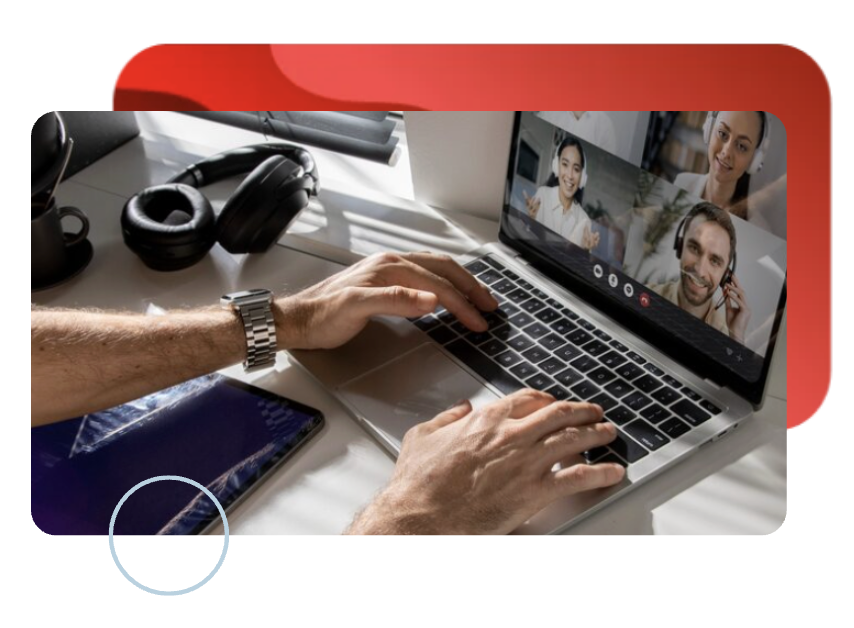
A secure work environment depends on multiple layers of protection. No single tool can address every risk, so organizations should consider a combination of security measures across identity, devices, applications, access, and employee behaviour.
Require an additional verification factor beyond a password, particularly for email, cloud applications, administrative accounts, and remote access.
Control who can access company resources and limit permissions according to each employee's role and responsibilities. Solutions such as Microsoft Entra ID can help organizations manage identities, authentication, and access across cloud and remote environments.
Protect laptops and other endpoints against malware, suspicious activity, and other threats while keeping security software and operating systems up to date.
Maintain visibility and control over remote devices by enforcing security configurations, managing updates, and responding to lost or compromised devices.
Use approved cloud applications as a secure platform for remote work, with appropriate permissions and controls over how company information is accessed, stored, and shared.
Secure connections to internal systems and applications while limiting remote access to the resources each employee actually needs.
Help employees recognize phishing, suspicious requests, and other common threats—and understand how to report them.
A gap in any one area can create an opening elsewhere, which is why security needs to work across the entire remote work infrastructure.
Use this checklist to review best practices for working remotely and identify areas where your current security controls may need attention.
☐ MFA is enabled for remote access and critical applications
☐ User access is based on job responsibilities
☐ Administrative privileges are limited to authorized users
☐ User accounts and permissions are reviewed regularly
☐ Former employees' access is removed promptly
☐ Company devices are centrally managed
☐ Endpoint protection is installed and monitored
☐ Operating systems and applications are regularly updated
☐ Security policies are enforced on managed devices
☐ Lost or stolen devices can be remotely secured or wiped
☐ Approved applications are clearly defined
☐ Cloud applications have appropriate access controls
☐ External file sharing is restricted where necessary
☐ Sensitive company data is stored and shared through approved platforms
☐ Shadow IT and unauthorized applications are monitored
☐ Remote access is protected by strong authentication
☐ Access is limited to the systems employees need
☐ Internal systems are not unnecessarily exposed to the public internet
☐ Remote access activity is monitored for suspicious behavior
☐ Employees receive regular security awareness training
☐ Phishing and social engineering risks are covered
☐ Employees know how to report suspicious activity
☐ Employees know what to do if a device is lost or compromised
☐ Remote work policies are reviewed regularly
☐ Access permissions are reviewed as roles change
☐ Security controls are tested and updated as the environment evolves
☐ Security incidents and lessons learned are used to improve controls
Remote work gives employees more flexibility, but it also creates more places for security gaps to appear. The key is making sure identity, devices, applications, and data remain protected wherever work happens.
At Roca Networks, we help businesses strengthen cybersecurity and put the right technology in place for the way their teams actually work, from protecting devices and access to securing cloud applications and company data.Because a secure remote workforce isn't built around one tool or one policy. It's built by making sure the right controls, technology, and people work together, wherever work happens.


445 Apple Creek Blvd, Suite 220, Markham, Ontario
Follow Us:


Services
Industries
Roca
Contact
+1 647 476 7680
info@rocanetworks.com
rocanetworks.com
